Uses
Inspired by Wes Bos and the wider uses.tech idea, this is the current state of what I use day to day. The stack has changed considerably since I first wrote this page in 2020, so this is less of a frozen shopping list and more of a snapshot of how I actually work now.
Hardware
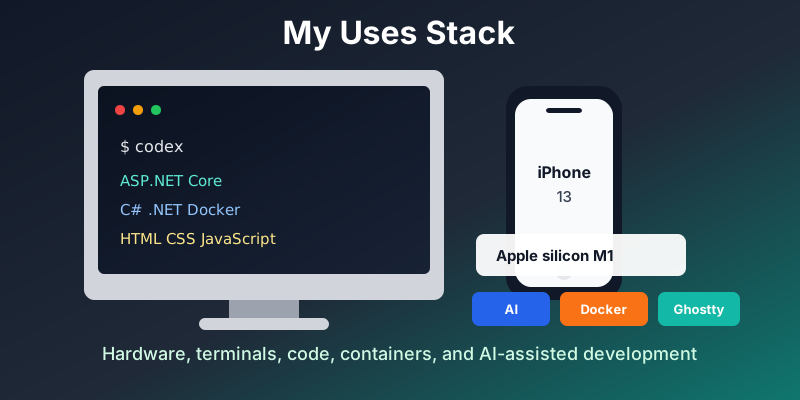
My main machine is now Apple silicon, currently an M1 Mac. I still have a mixture of Apple MacBook Airs, MacBook Pros, and an HP laptop running Ubuntu, so I move between macOS and Linux regularly enough that both still shape how I set things up.
My phone has moved on too. I now use an iPhone 13 rather than the iPhone XS that was on the original version of this page.
macOS and Linux
On macOS I still lean on Homebrew for installing developer tools, and I still use Alfred from time to time when I want a fast launcher or a quick workflow. I use a fairly typical set of window management, clipboard, sync, password, and menu bar utilities, but the exact mix changes often enough that naming every one of them is less useful than it used to be.
On Linux I keep an Ubuntu machine around and still like the GNOME-style workflow with launchers, workspaces, screen capture, remote desktop, and small command-line helpers. The precise extensions and apps change, but the goal is the same: keep the desktop quiet, keyboard-driven, and useful.
Terminal and Editor
I still like the old iTerm screenshot from the first version of this page.
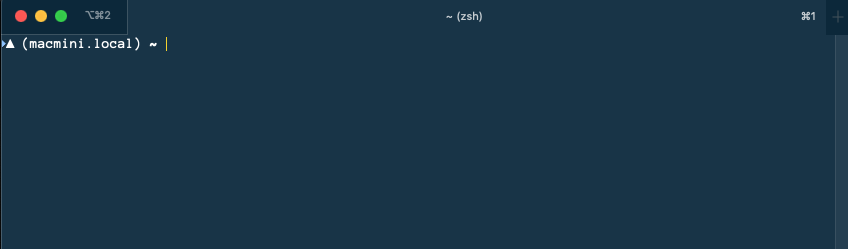
These days I use both iTerm2 and Ghostty. I spend a lot of time in terminals, usually with zsh, Git, Docker, language CLIs, package managers, and AI coding tools open side by side.
For editing, I still use Visual Studio Code and I am usually somewhere between stable VS Code, Insiders builds, and whatever AI-assisted tooling I am testing at the time. I also still use Visual Studio when it is the right tool for the .NET job.
Code
The coding stack is still very .NET-heavy, but the emphasis has shifted. I do not really use Blazor day to day. I mostly work with ASP.NET Core, C#, .NET, vanilla JavaScript, modern HTML, modern CSS, and modern JavaScript, with a little unobtrusive JavaScript thrown in where it fits the application.
I use Docker heavily, both for local development and for making projects easier to move between machines. Database-wise I most often end up around MySQL and SQL Server, depending on the project and hosting environment.
AI
AI-assisted development is now a normal part of my workflow rather than a novelty. I started with GitHub Copilot back when it felt mostly like an autocomplete plugin inside VS Code. From there I moved through web and desktop tools like ChatGPT, Claude, and Gemini, then gradually shifted toward terminal-based CLIs and agentic coding workflows.
At the moment I use the native macOS Codex app heavily. I also use the T3 open-source coding harness from Theo’s ecosystem, Claude Code, Gemini, Microsoft Copilot, GitHub Copilot, and I am trialling the GitHub Copilot technical preview macOS app. I rarely use the Claude desktop app now; when I use Claude, I generally prefer the Claude Code CLI.
I also use speech-to-text tools a lot. They save my hands, reduce typing, and make it easier to capture rough ideas before turning them into code, notes, issues, or blog posts.
Fonts
I still vary fonts whenever I want a change. This gist is the old snapshot and remains useful as a record of the kind of setup I like.
About
More information about me is here and I can be found on social media here: