homebrews cellar version of mono breaks omnisharp
20 Dec 2019Note, August 2026: this post is from December 2019. The screenshots were originally hotlinked from Twitter’s image CDN. They are now served from this site so the post does not break if those links stop working. The text and the images are otherwise unchanged.
So today, I raised a GitHub issue because after I had opened the result of dotnet new mvc in VSCode the problems window would have approximately 120 issues and the code editor window would be full of red squiggles.
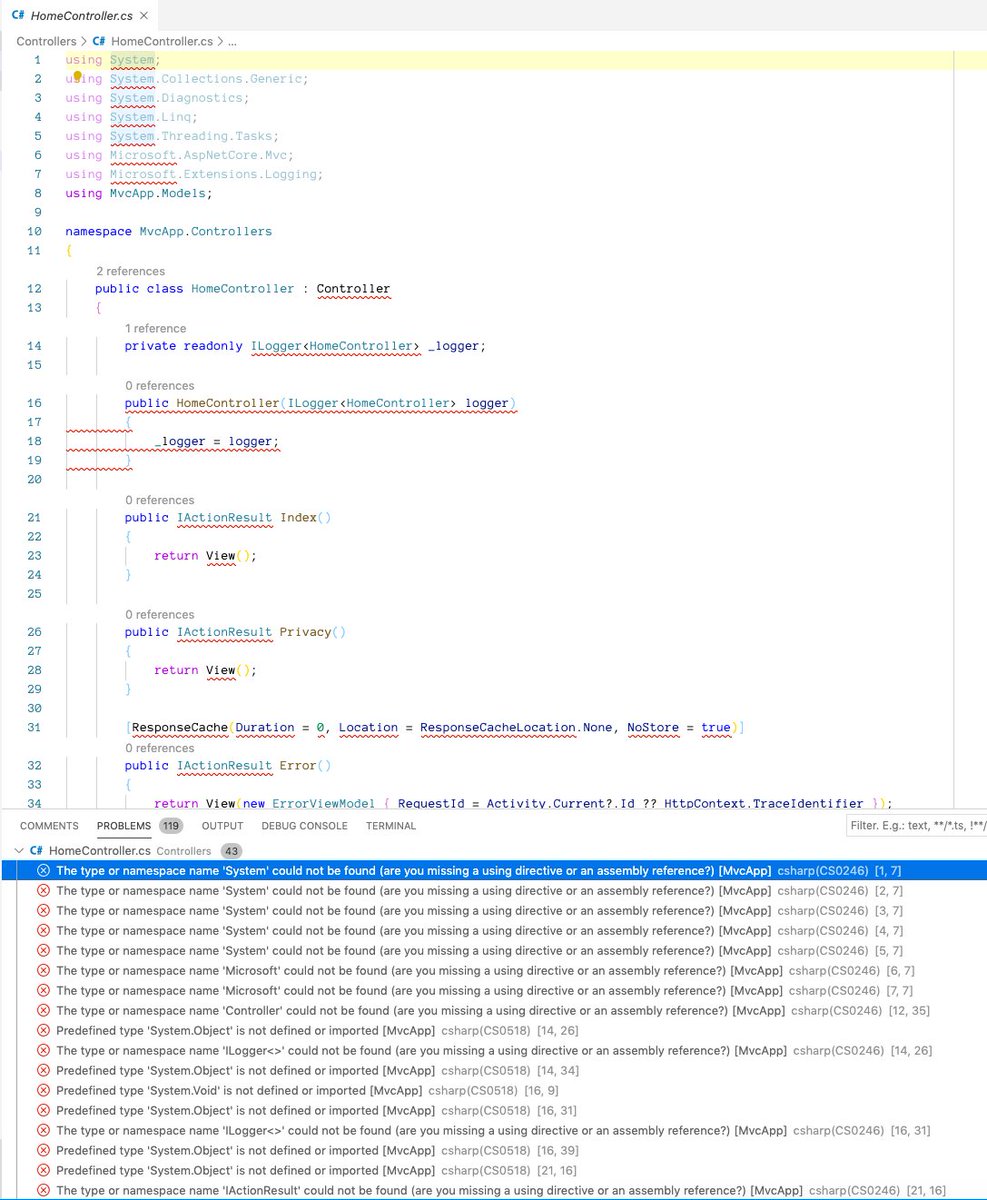
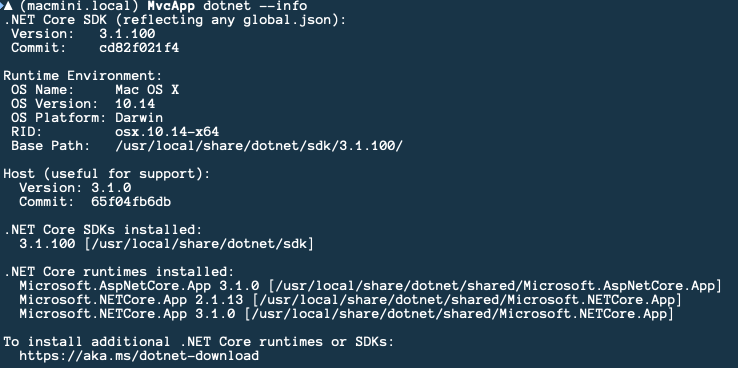
I was running the very latest version of dotnetcore
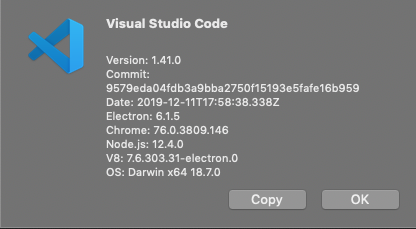
And the very latest version of VSCode
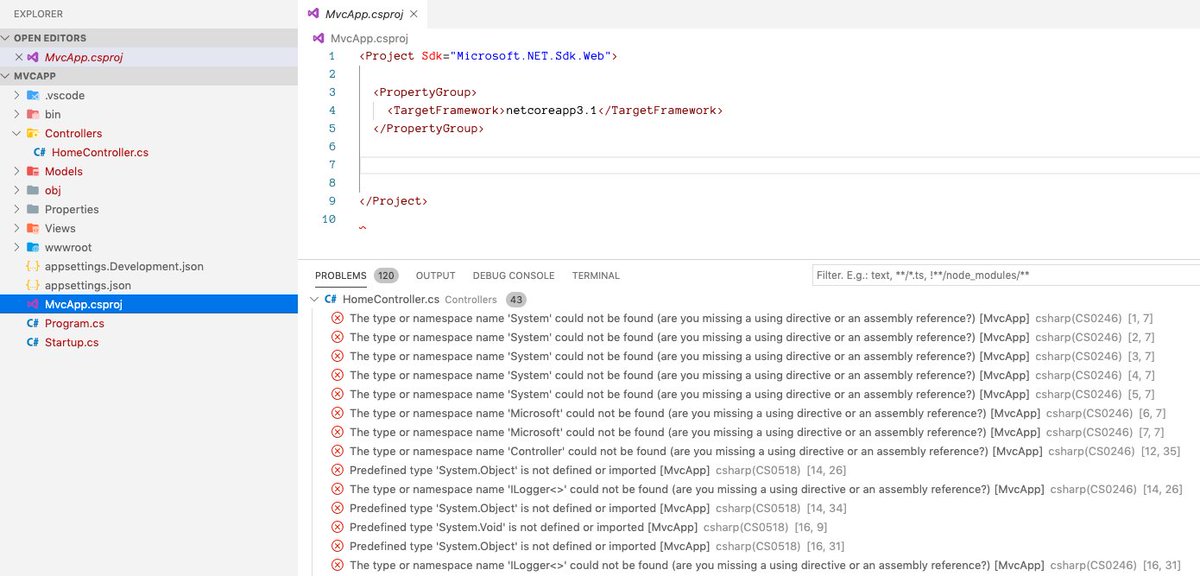
I had not changed anything in the .csproj file. It was fresh from running dotnet new mvc from the terminal.
So, I raised an issue over on GitHub.
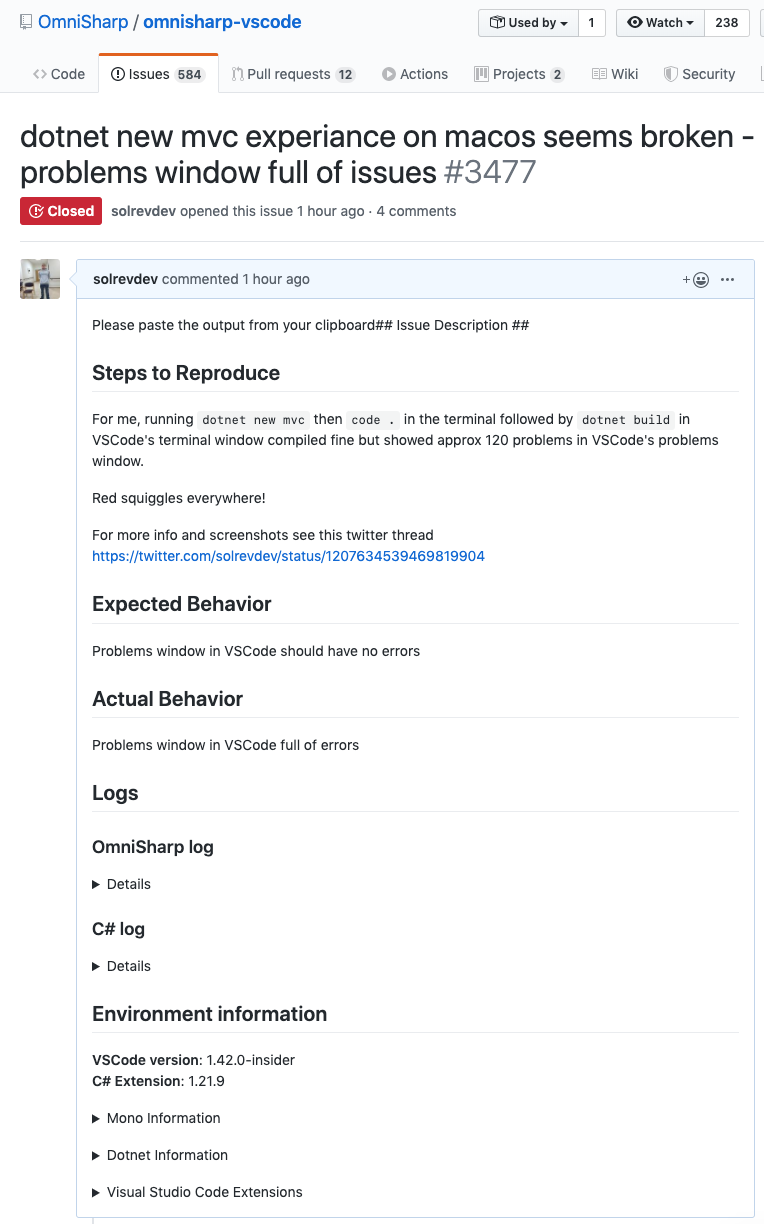
Big thanks to the rapid response and answer from @filipw, who discovered that it was the homebrew cellar version of mono that was the issue and that intstalling the stable version of mono was the fix.
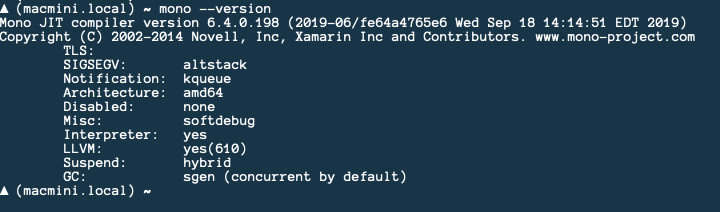
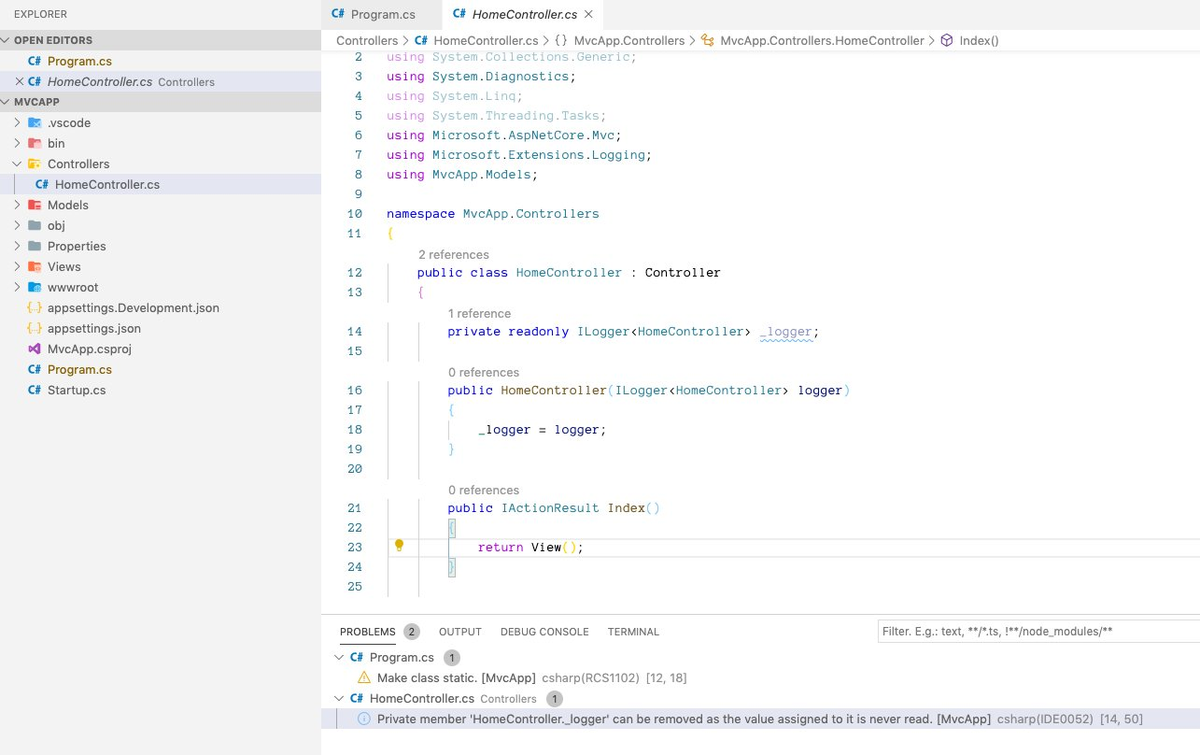
Success 🎉